UID Registration Guide
STEP 1
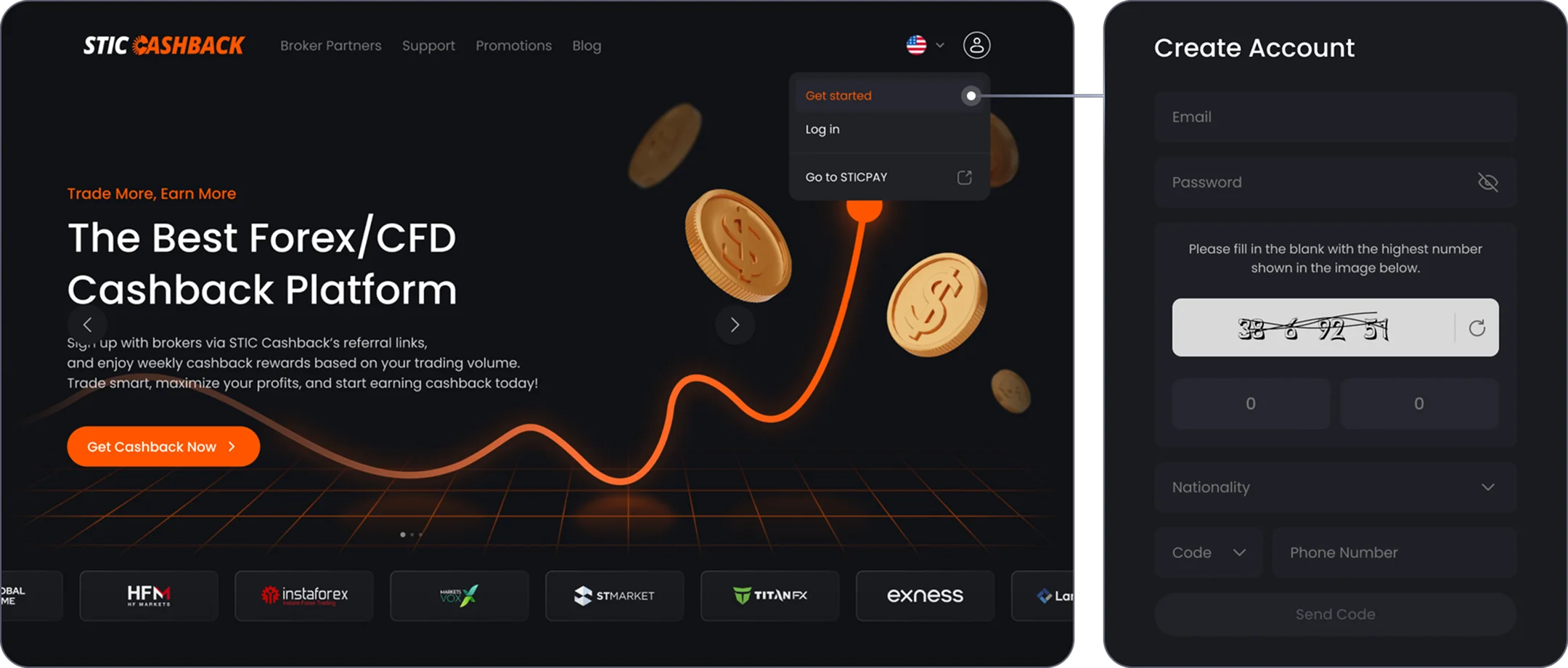
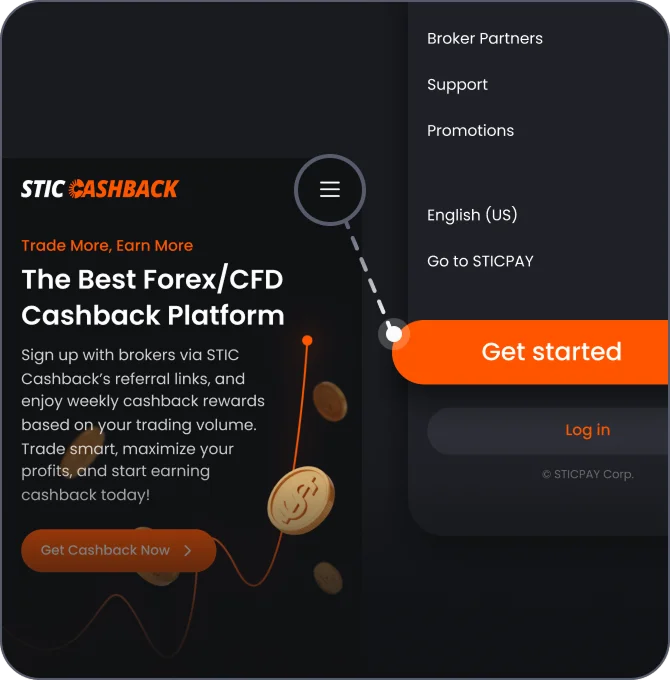
Register a user account at STIC Cashback
STEP 2
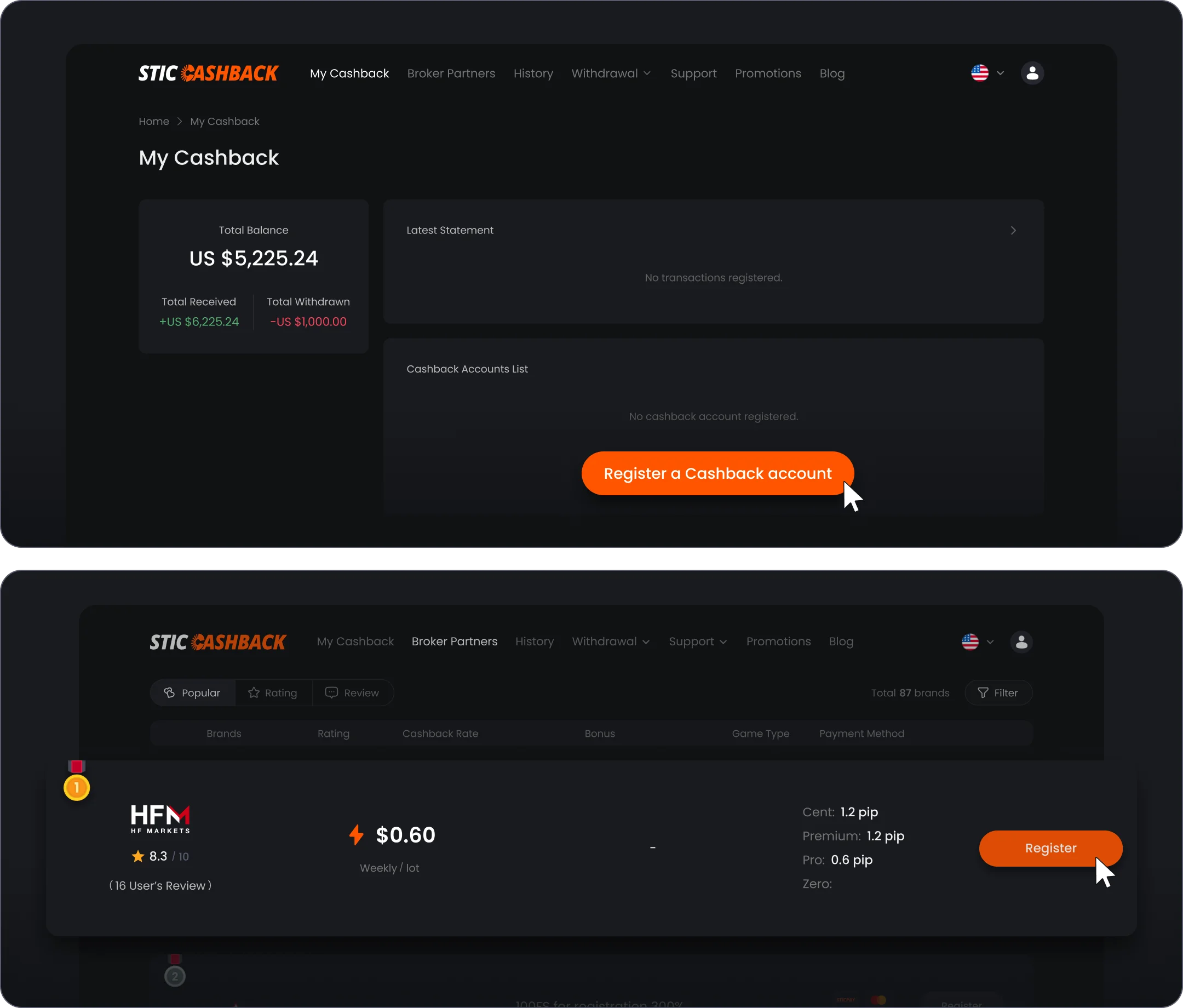
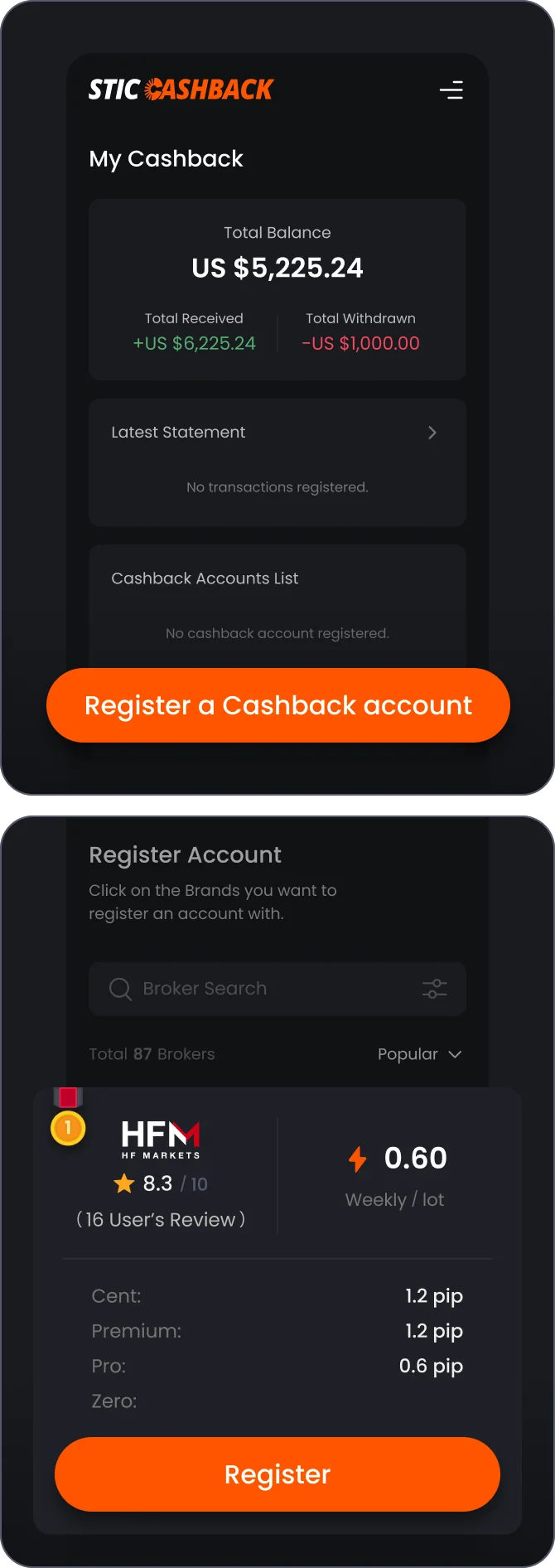
Register a cashback account with a Broker
STEP 3
Create a new Broker account
3-1
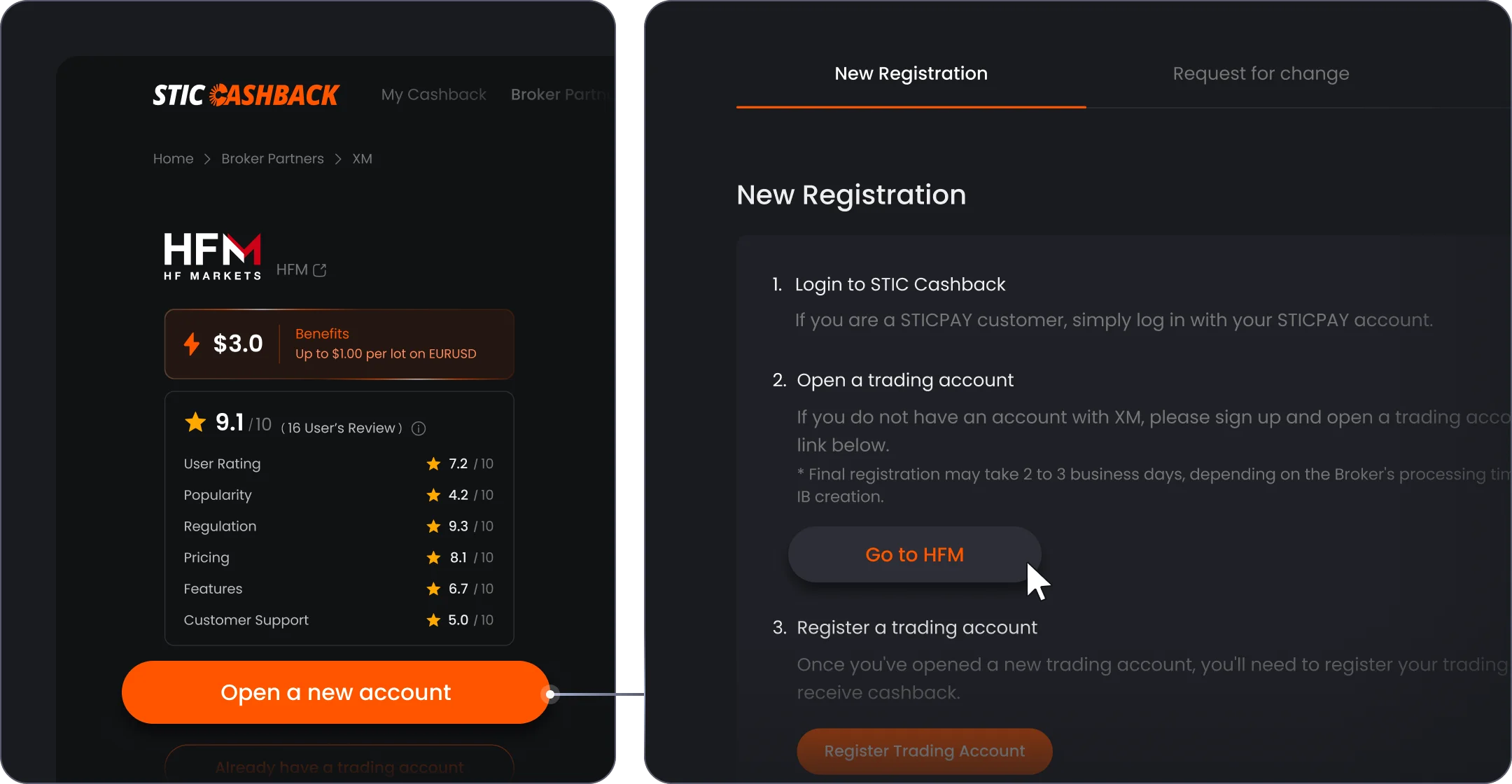
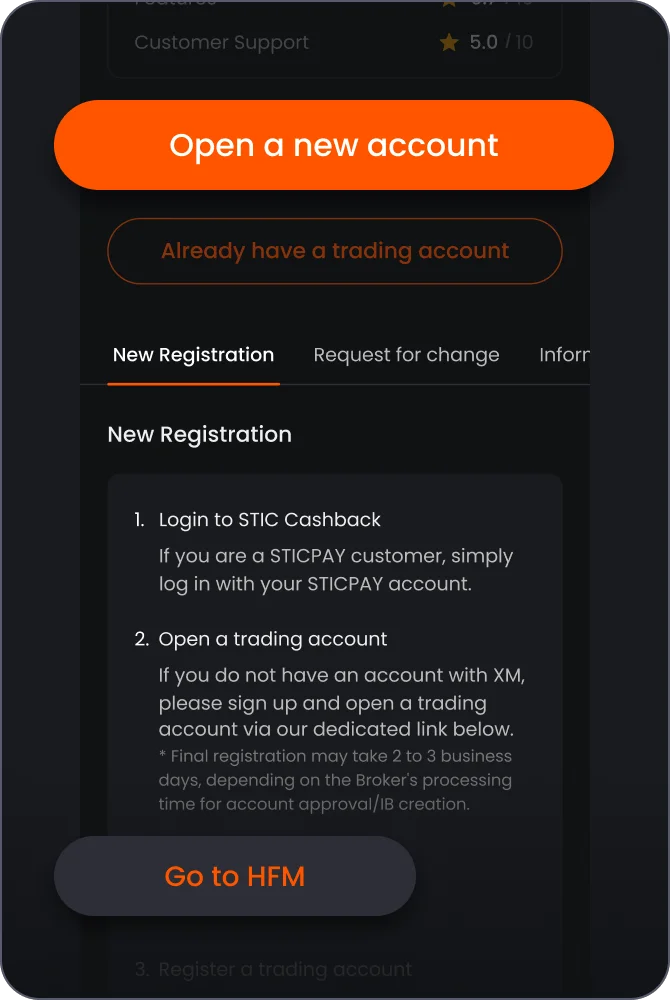
If you don't have an account with HFM yet, click 'Open a new account', and Click 'Go to HFM'
3-2
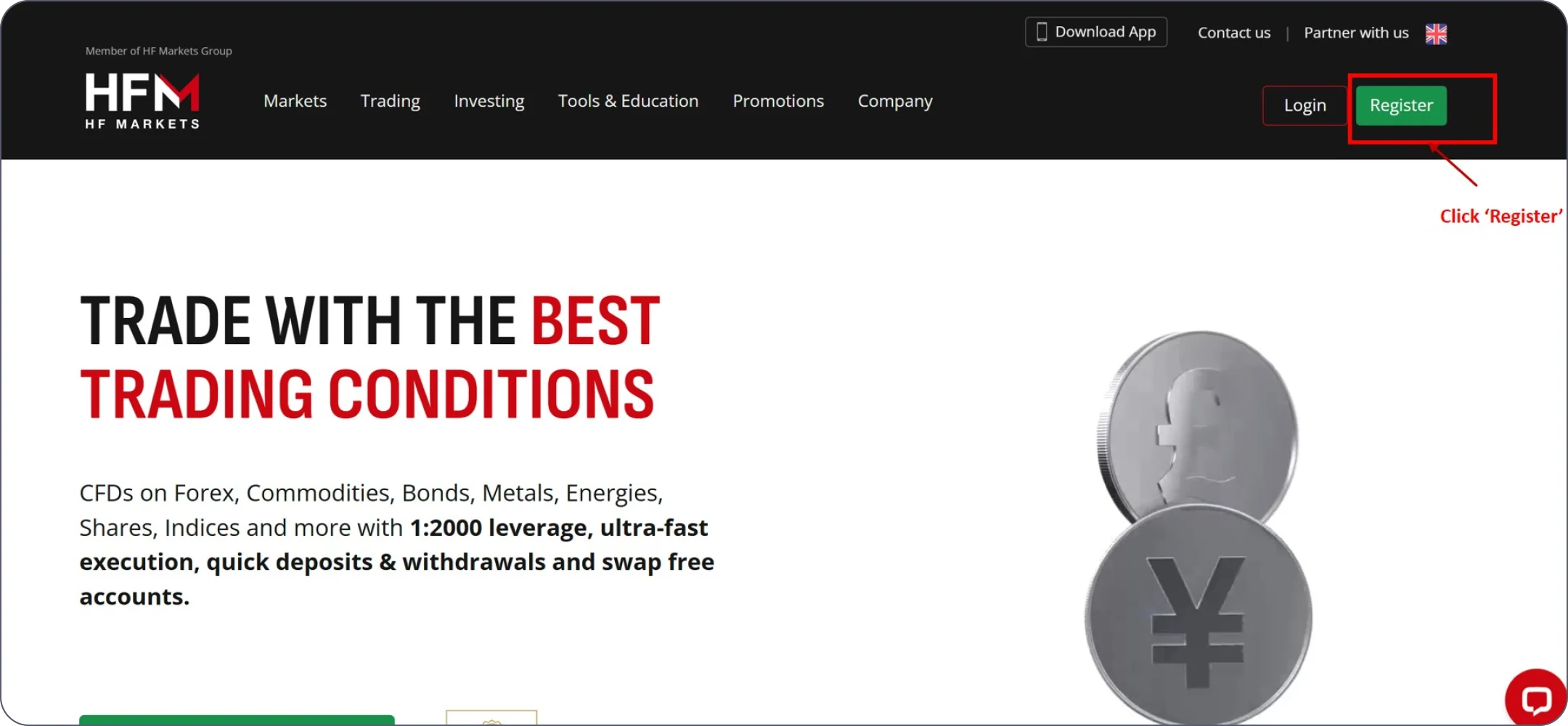
Create a new Broker account with HFM - click 'Register'
3-3
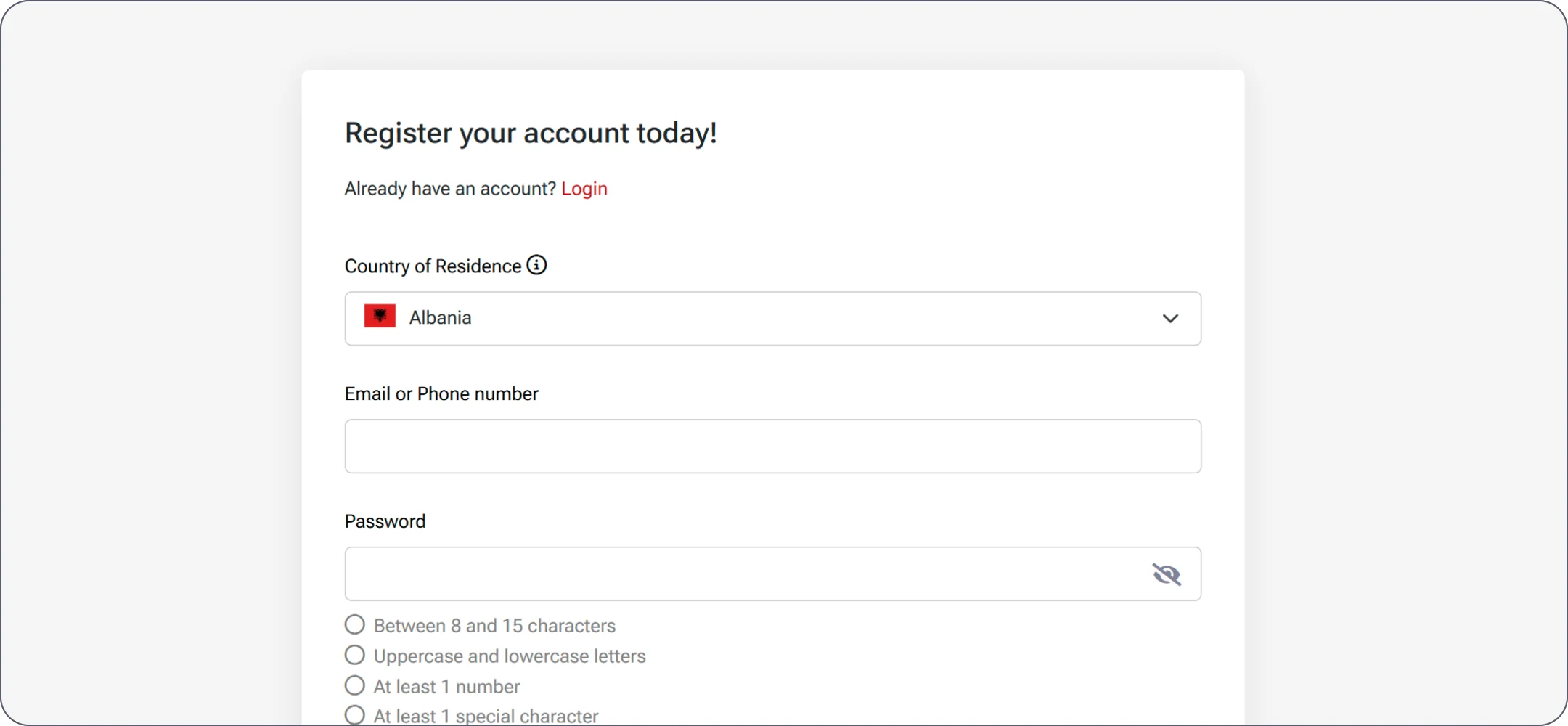
Create a new Broker account with HFM
3-4
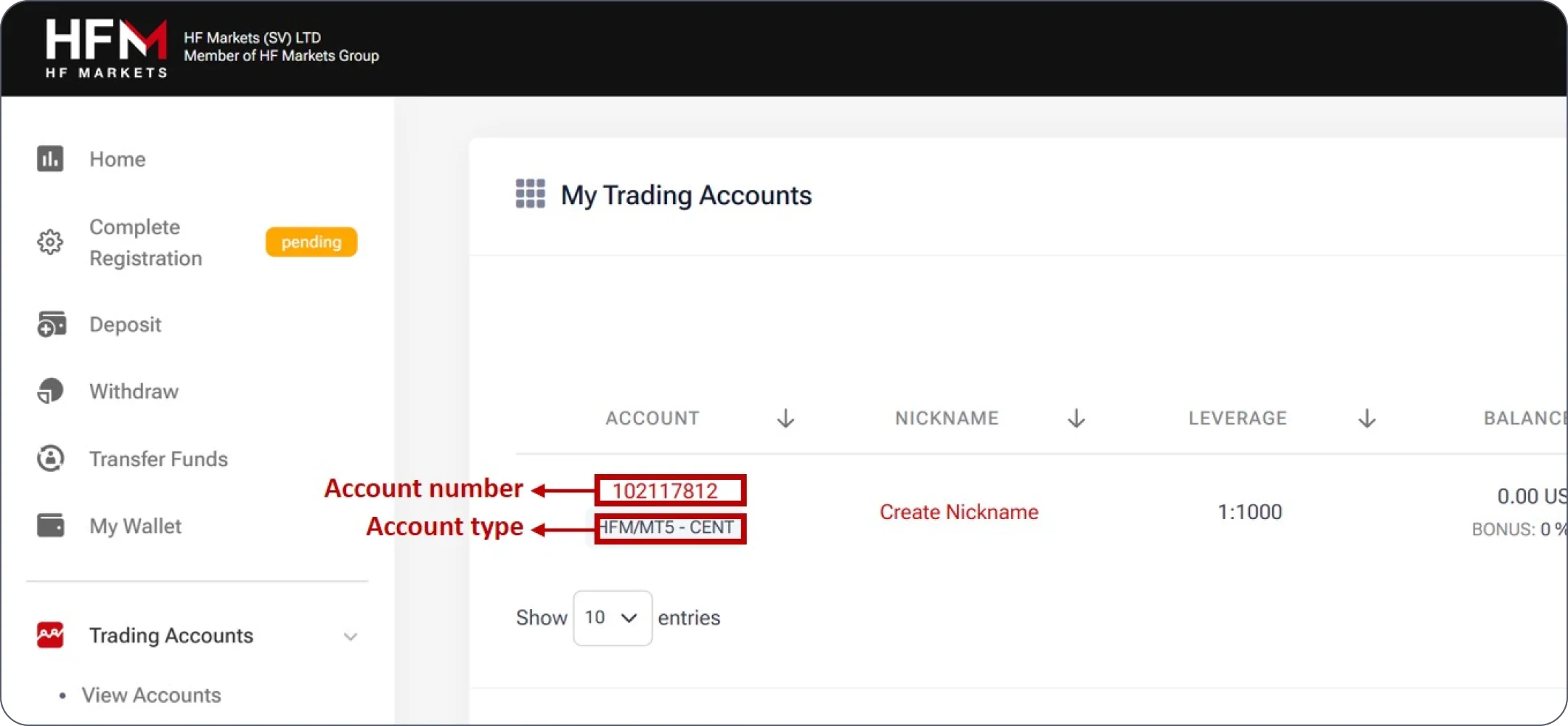
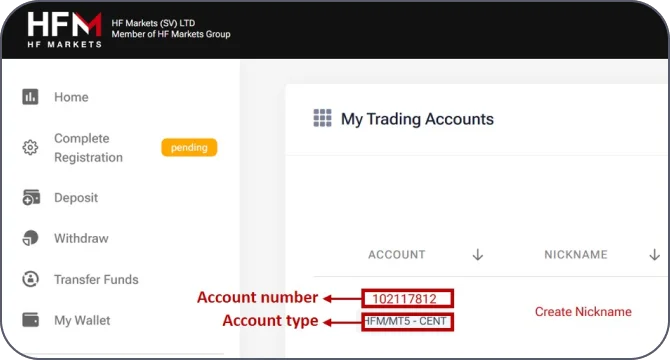
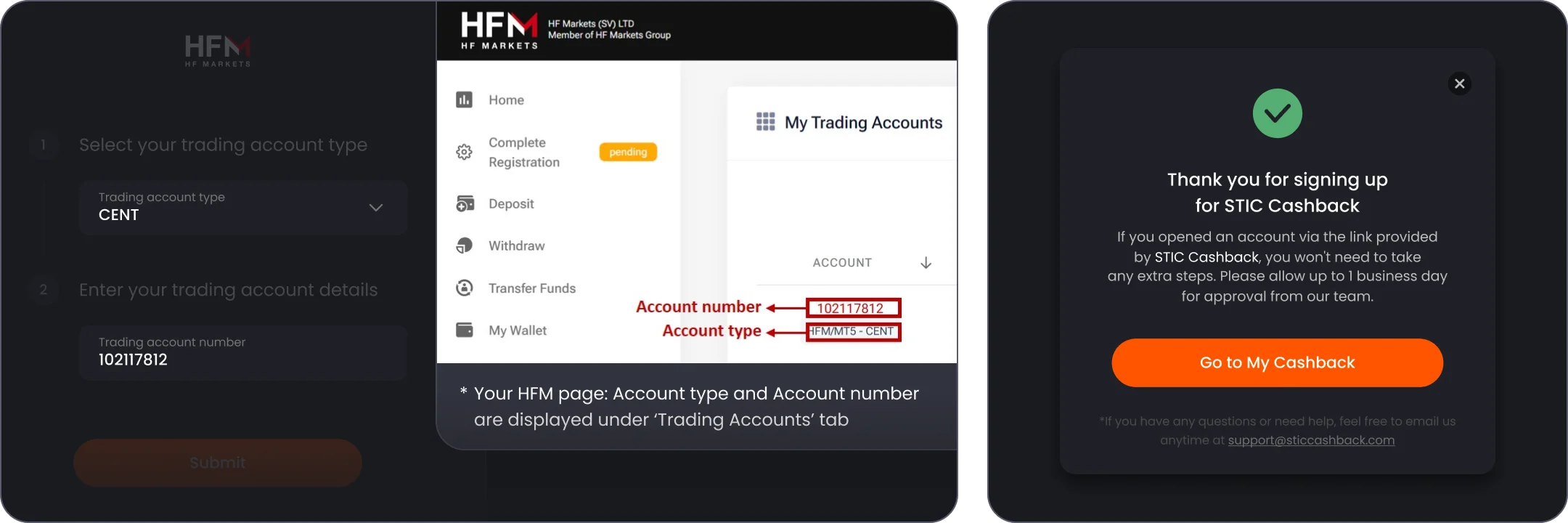
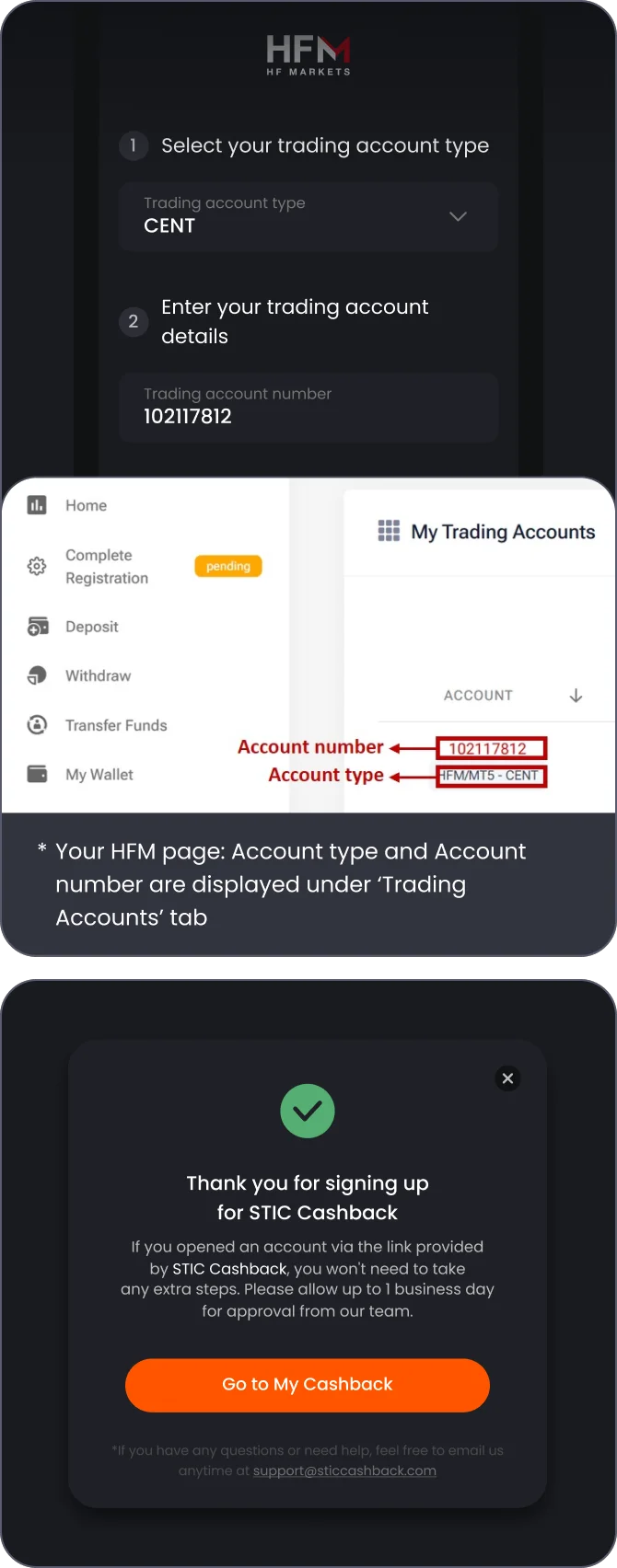
In your broker account in 'Trading Account' tab check and remember your Account Type, also copy your Account Number
STEP 4
Link your Broker account with your STIC Cashback account
4-1
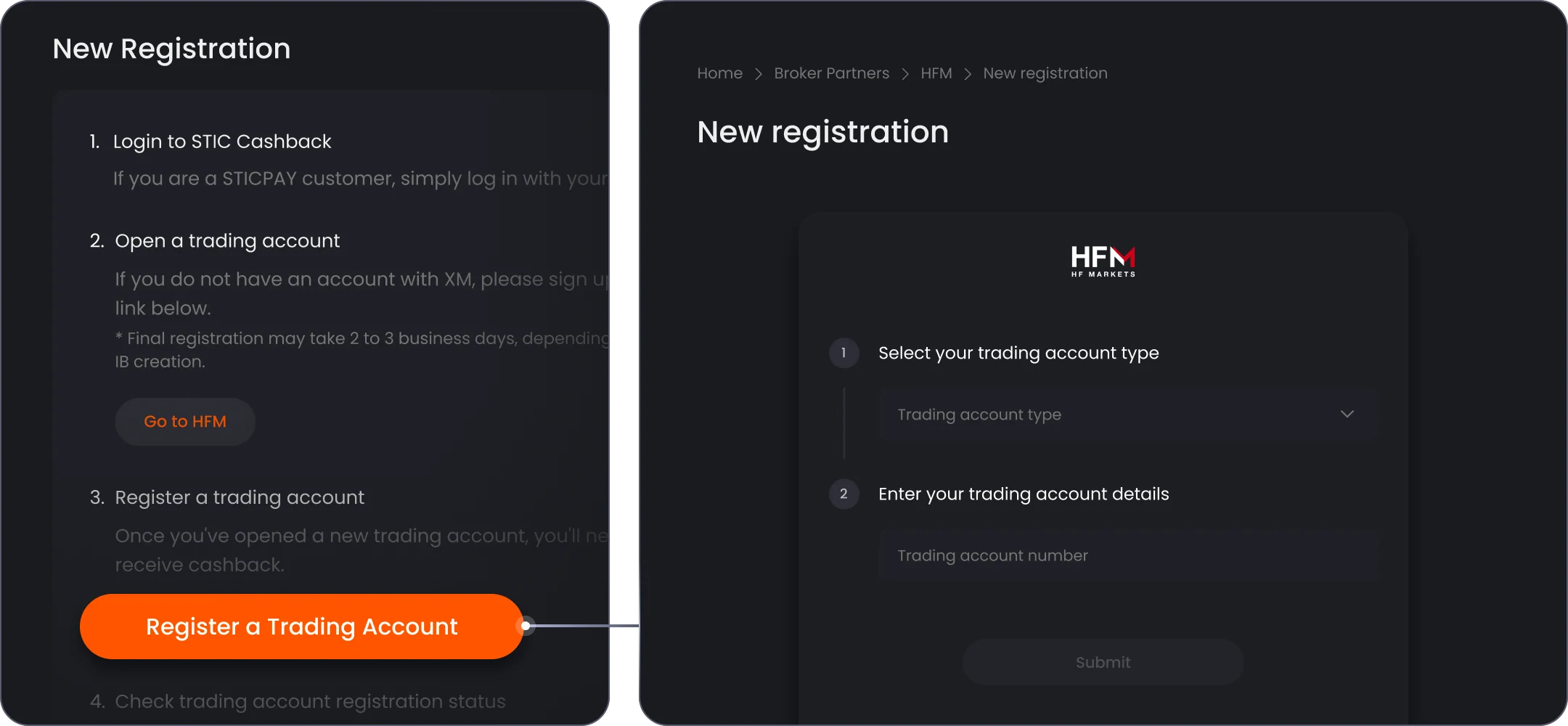
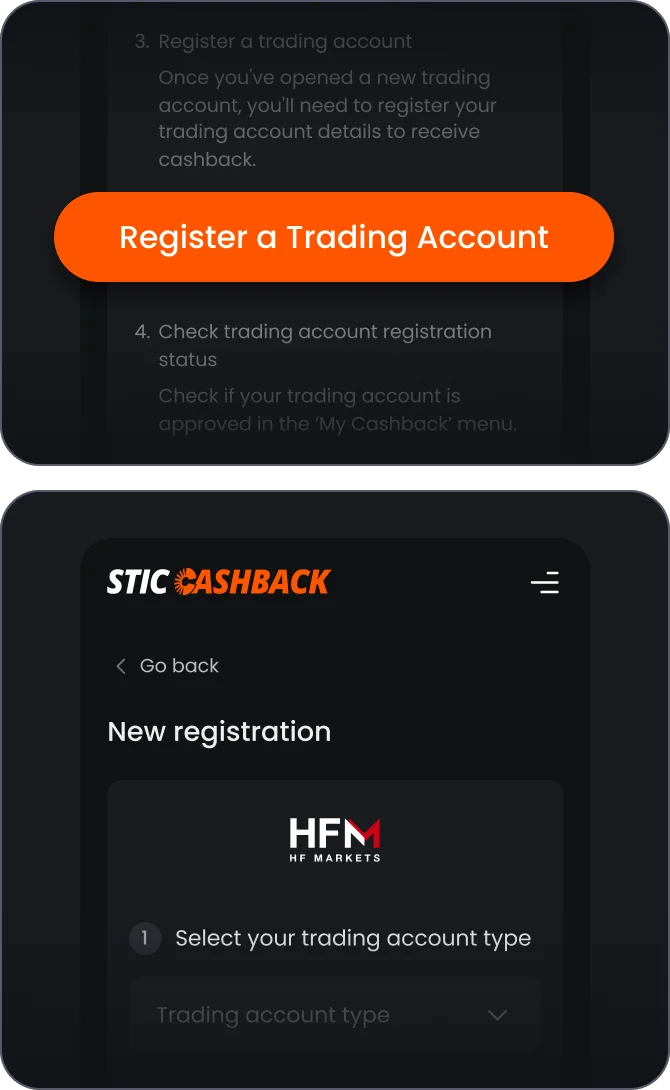
Go back to the Trading Account registration page, click 'Register a Trading Account' and Select your trading account type & enter your trading account number
4-2
Select your account type and paste your account number that you already copied from the broker website and click 'Submit' and Click 'Go to My Cashback' button
STEP 5
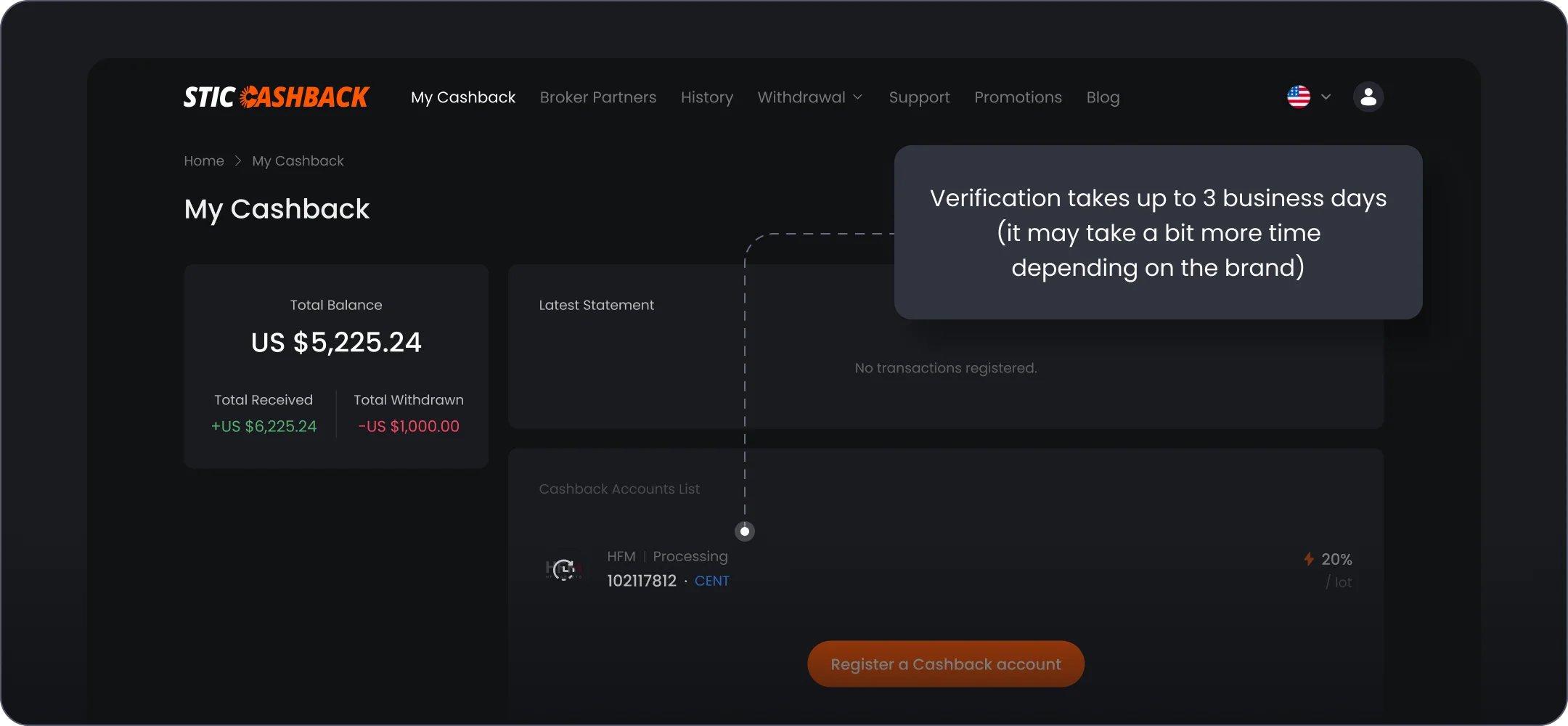
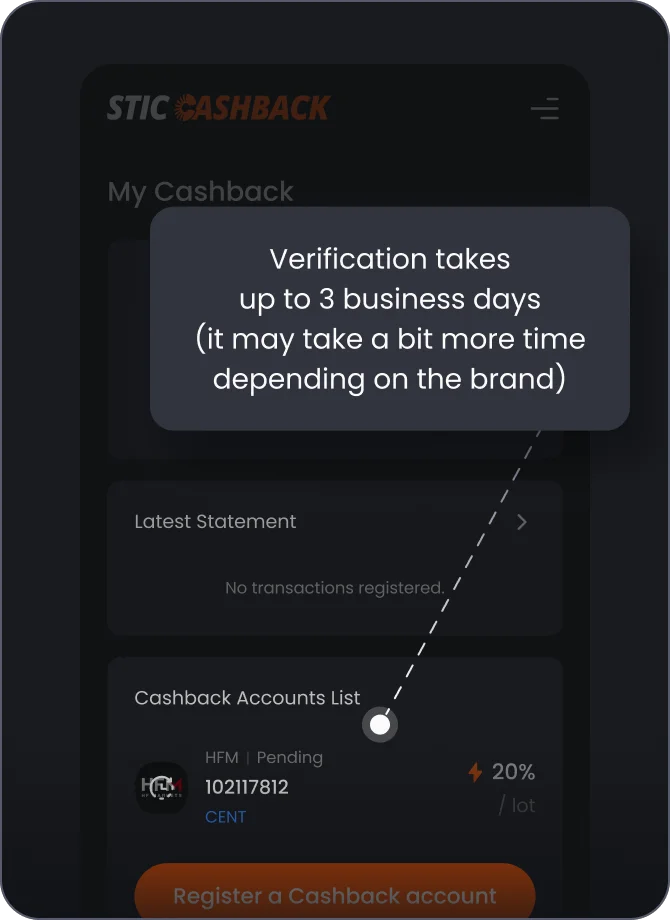
Check your registered Cashback Account in 'My Cashback' tab