UID Registration Guide
STEP 1
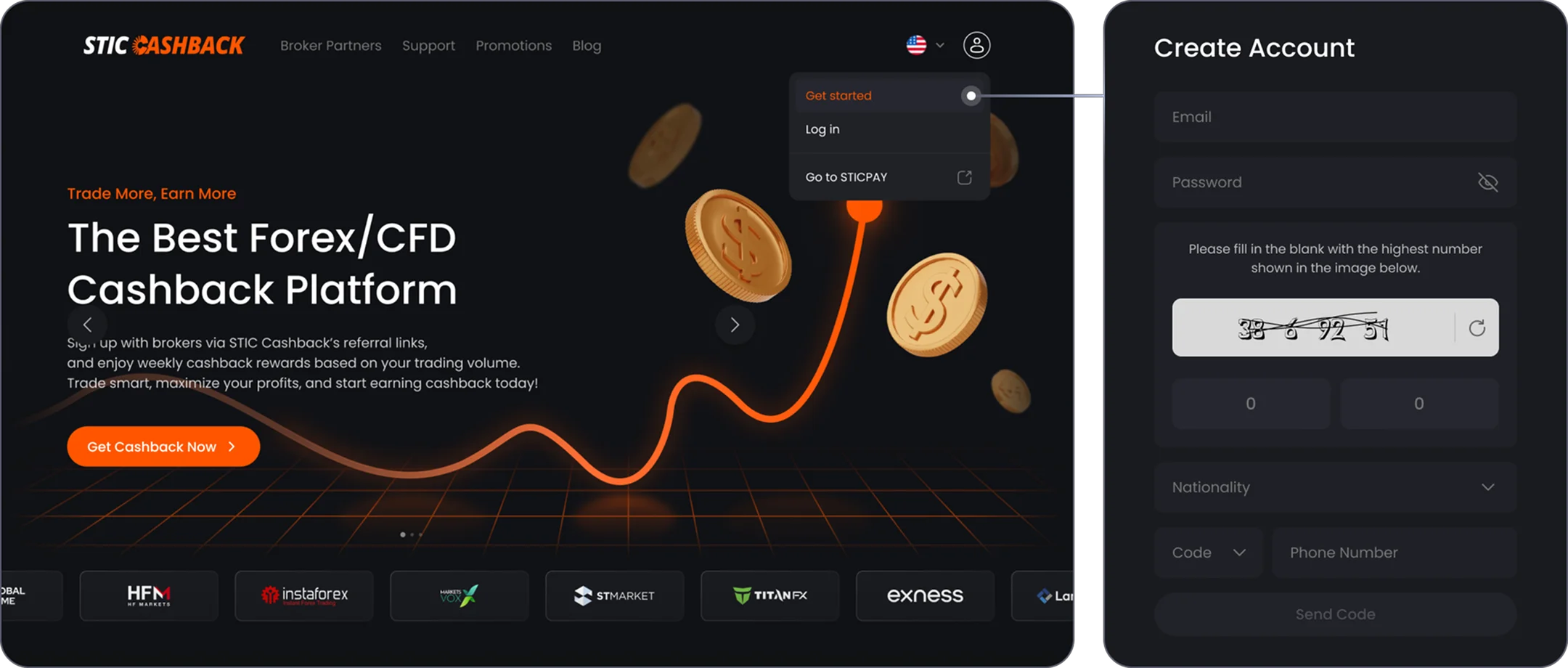
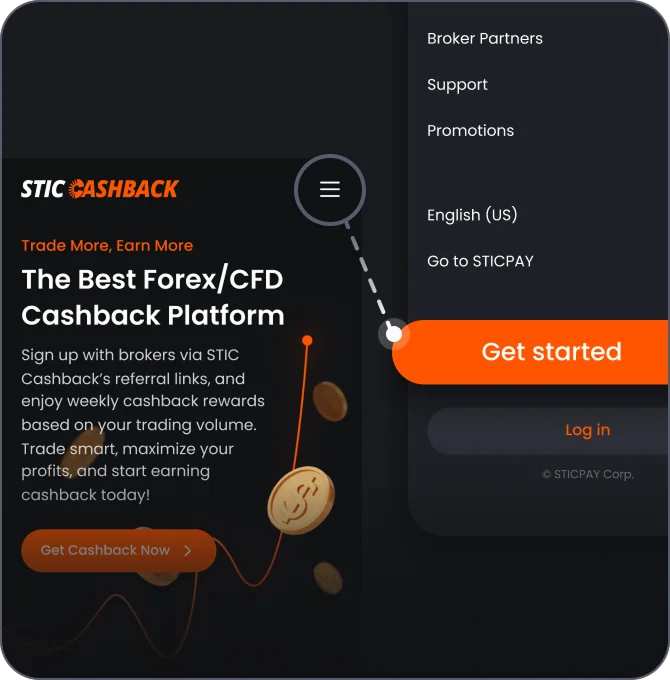
Register a user account at STIC Cashback
STEP 2
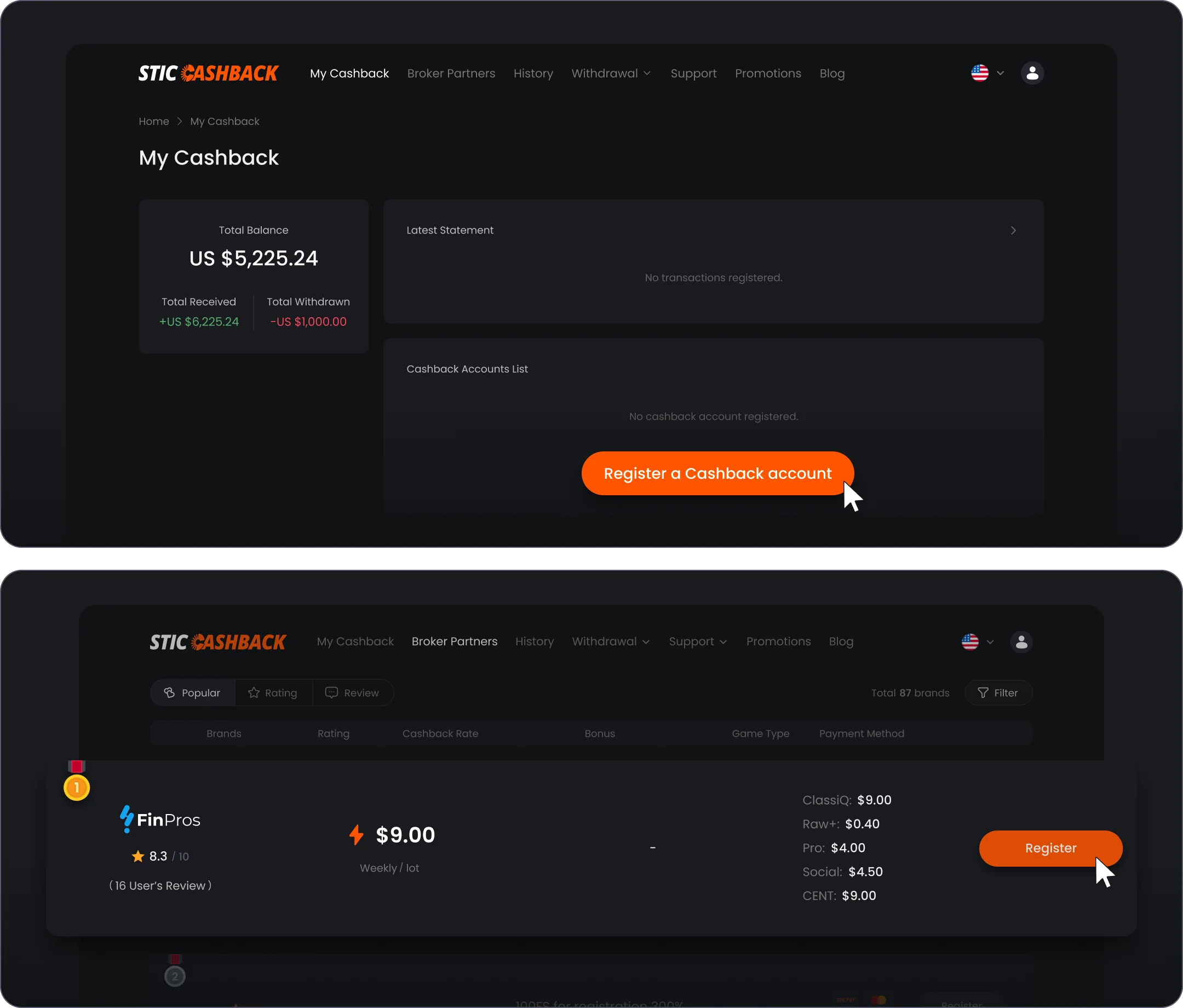
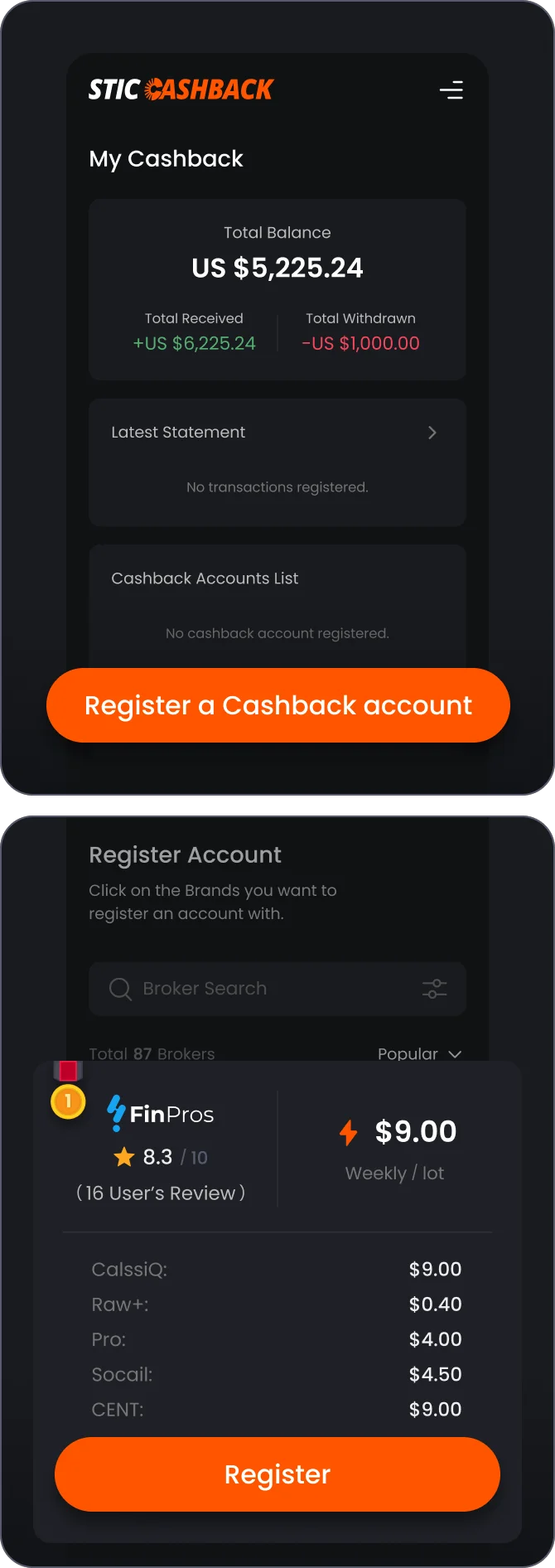
Register a cashback account with a Broker
STEP 3
Create a new Broker account
3-1
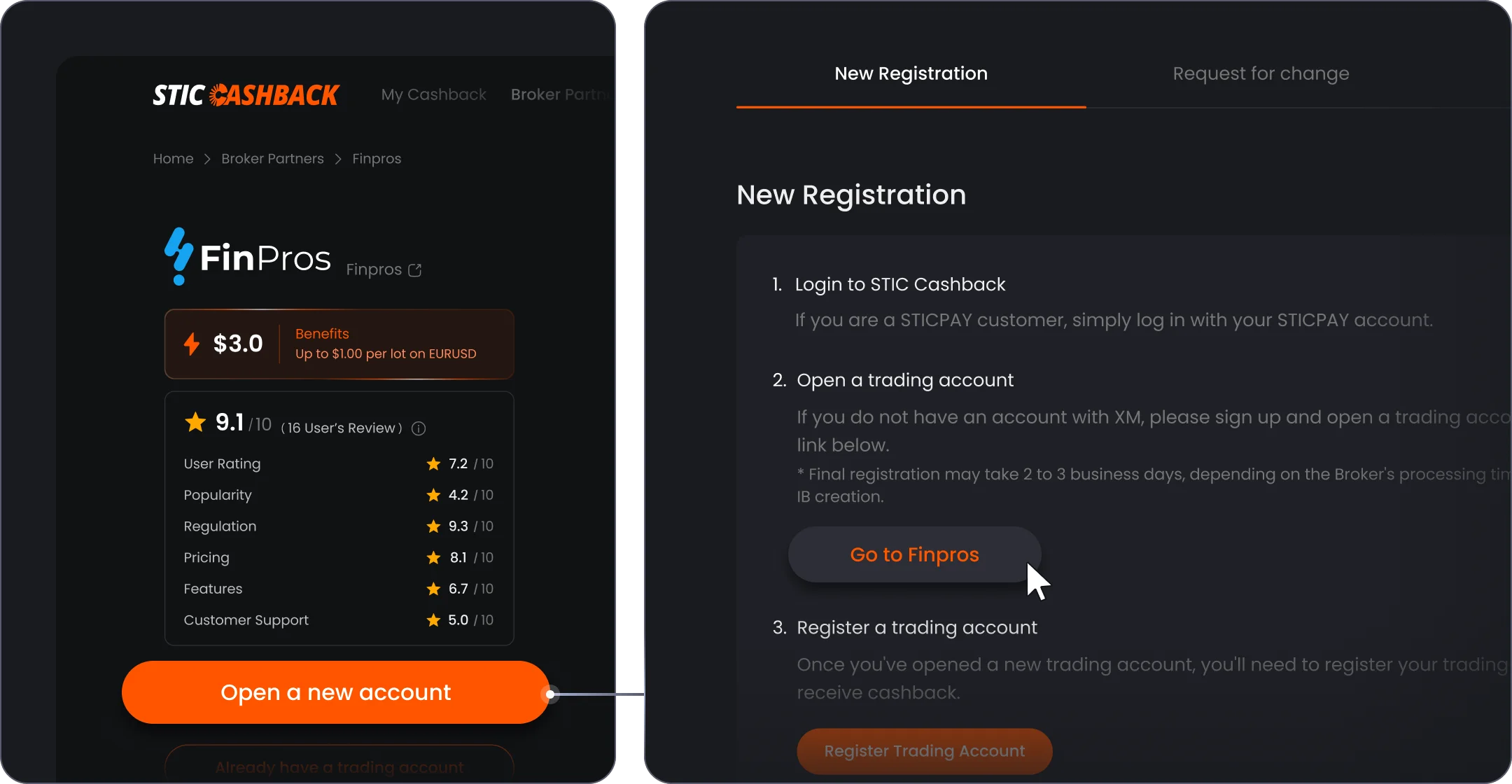
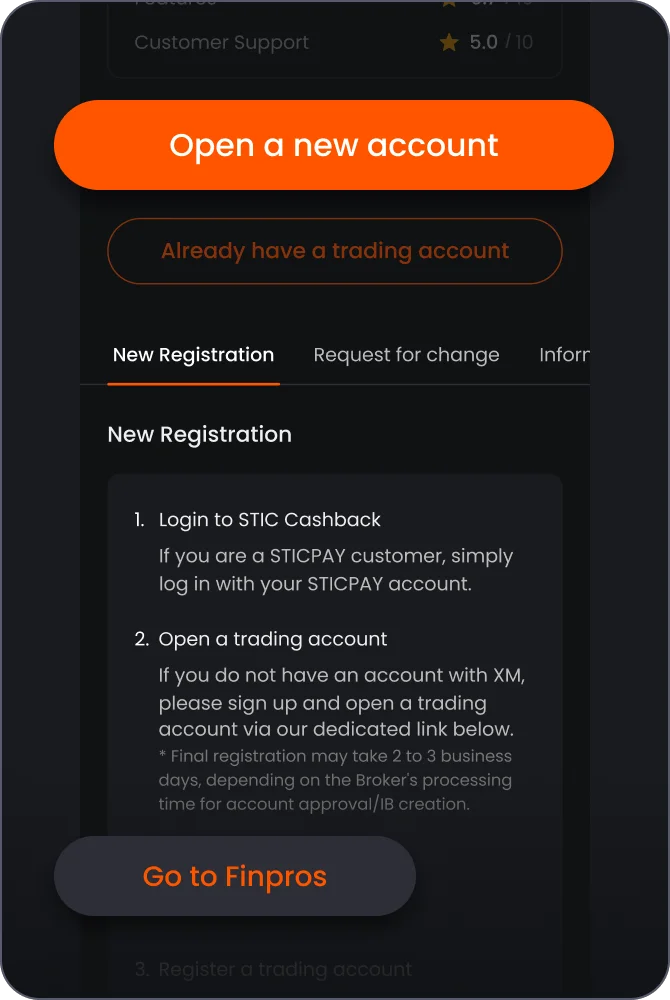
If you don't have an account with FinPros yet, click 'Open a new account', and Click 'Go to FinPros'


3-2
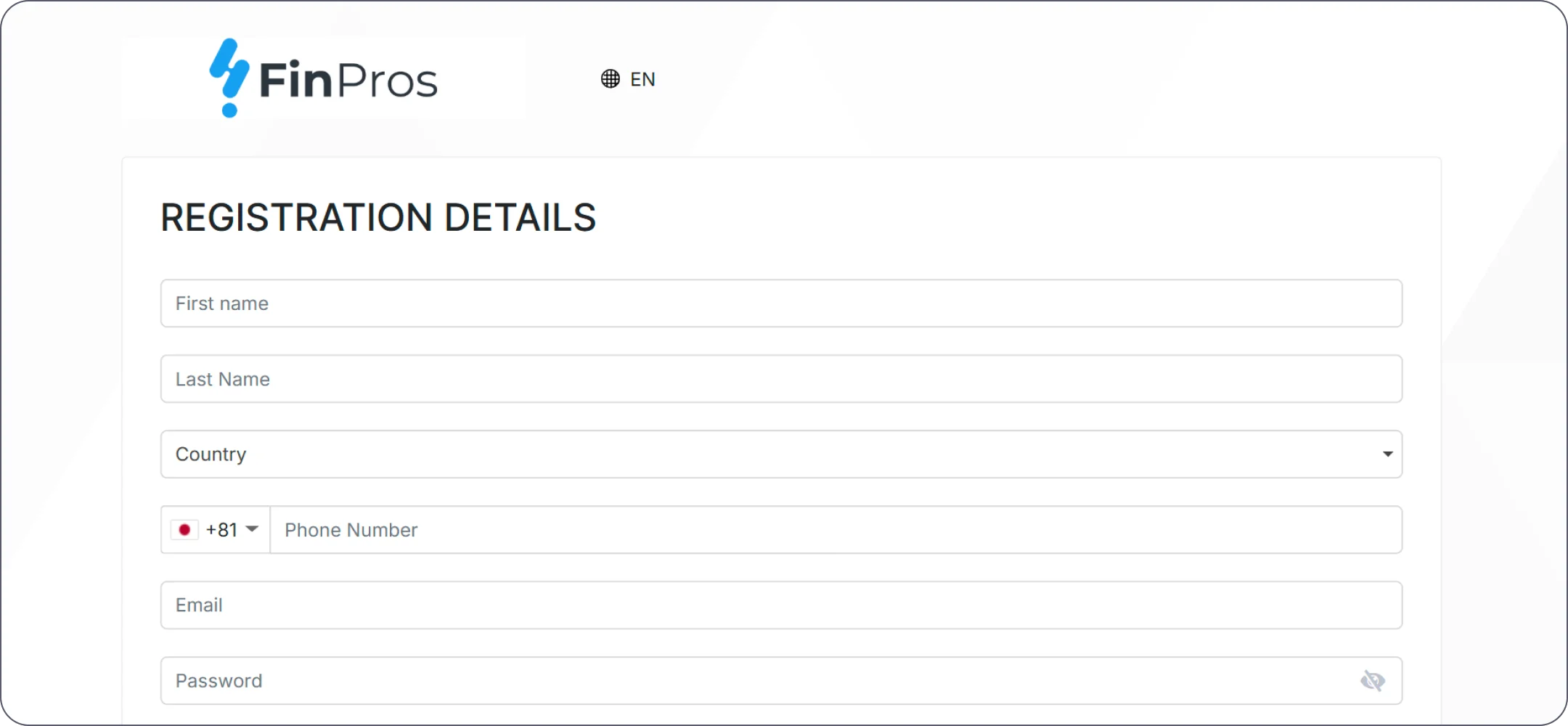
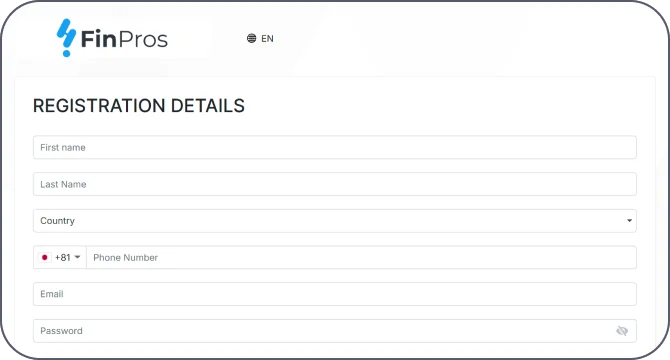
Create a new Broker account with FinPros - click 'Register'
3-3
Create a new Broker account with FinPros
3-4
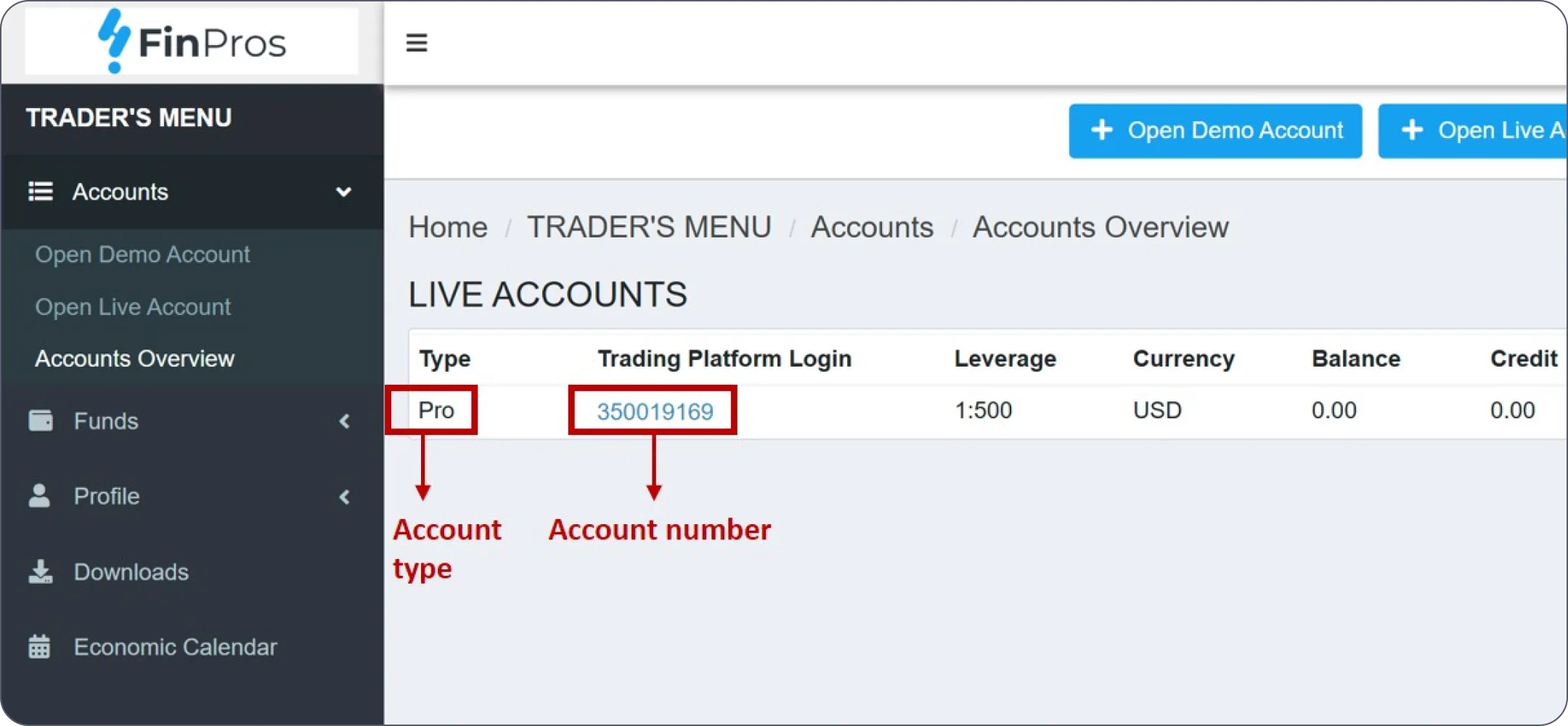
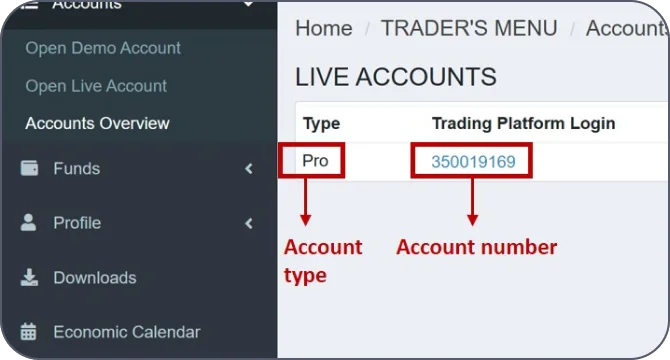
In your broker account in 'Account Overview' tab check and remember your Account Type, also copy your Account Number
STEP 4
Link your Broker account with your STIC Cashback account
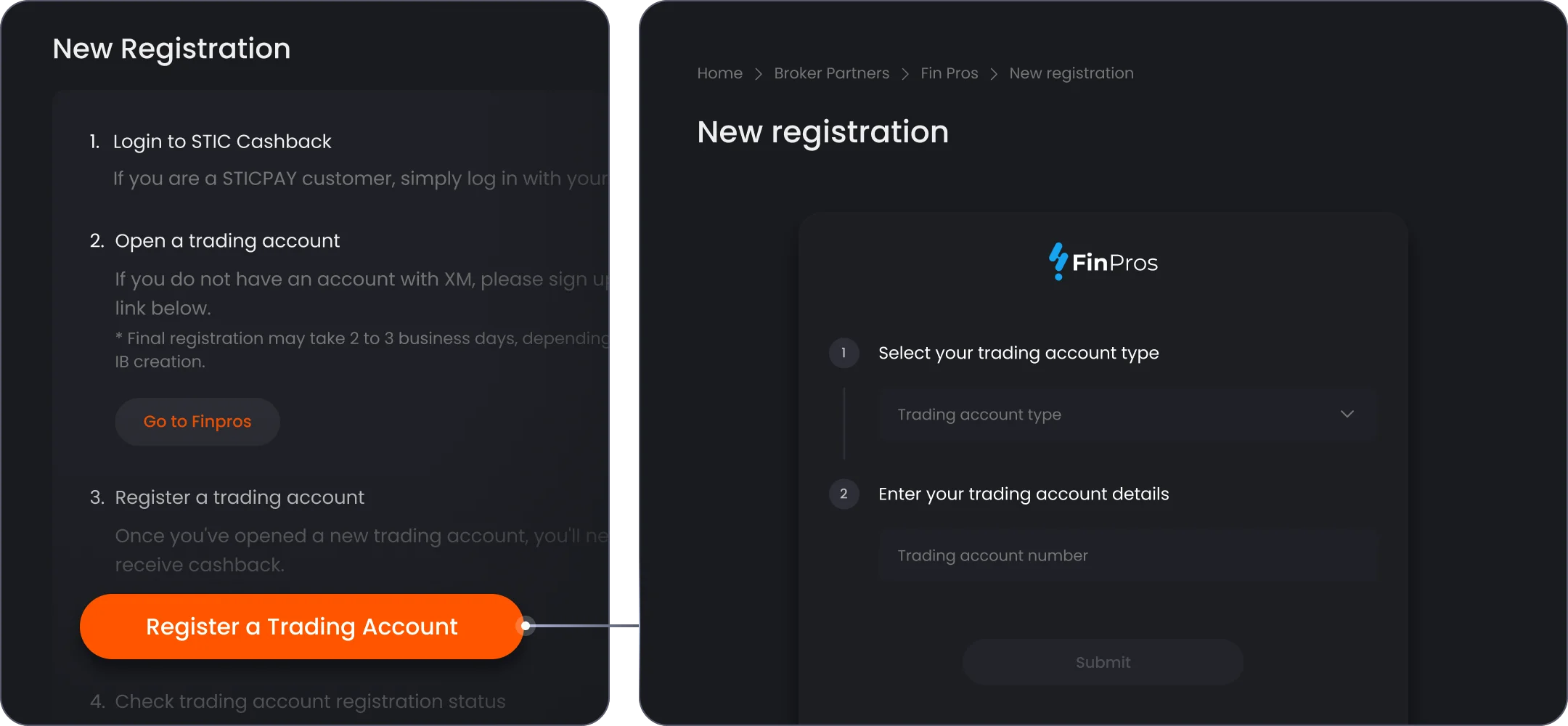
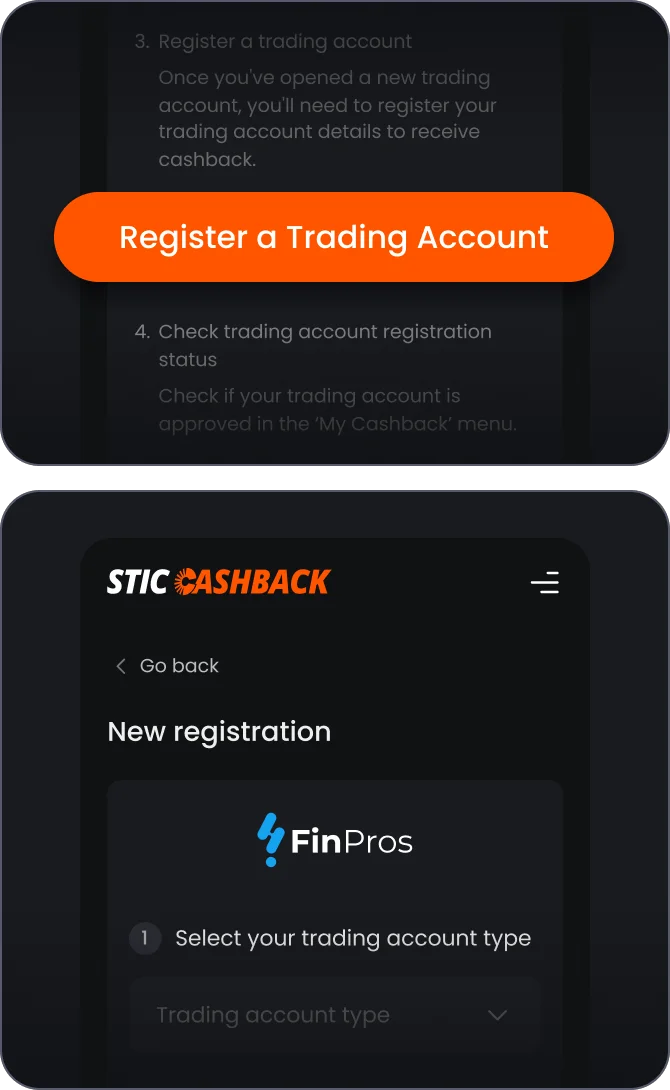
4-1
Go back to the Trading Account registration page, click 'Register a Trading Account' and Select your trading account type & enter your trading account number
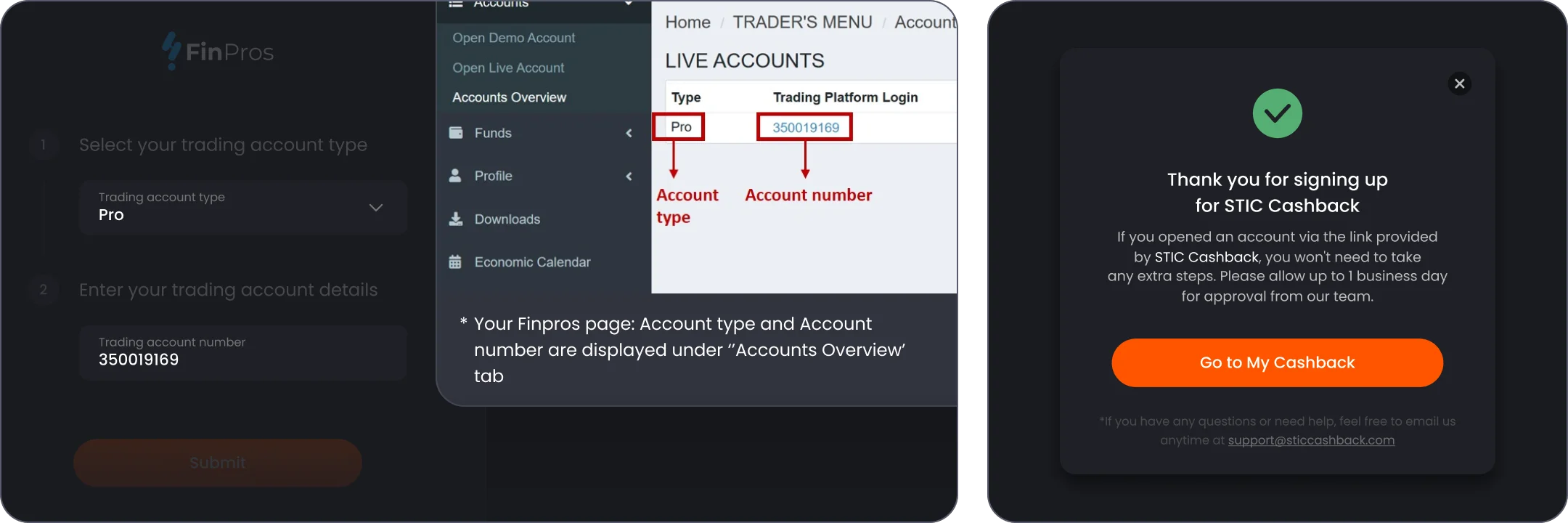
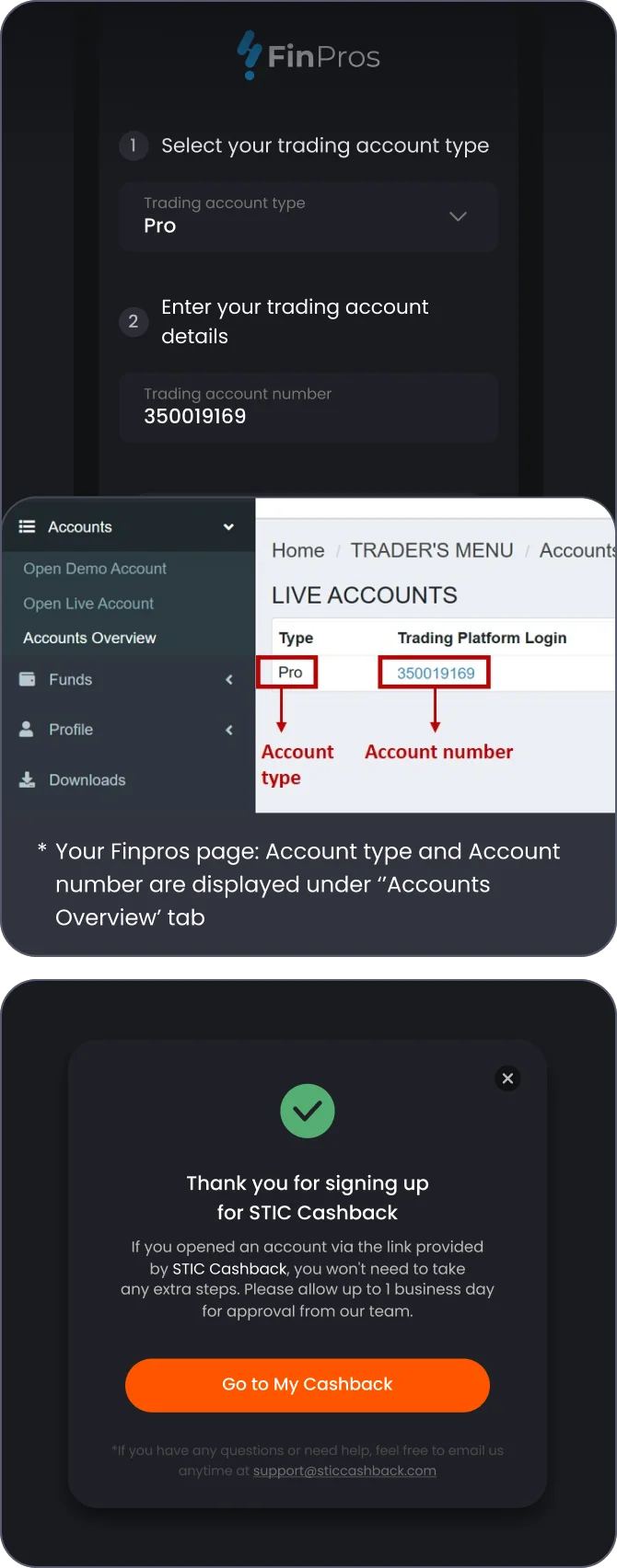
4-2
Check Your 1. Trading account type and your 2. Trading account number on broker website as shown above, paste them and click 'Submit' and Click 'Go to My Cashback' button
STEP 5
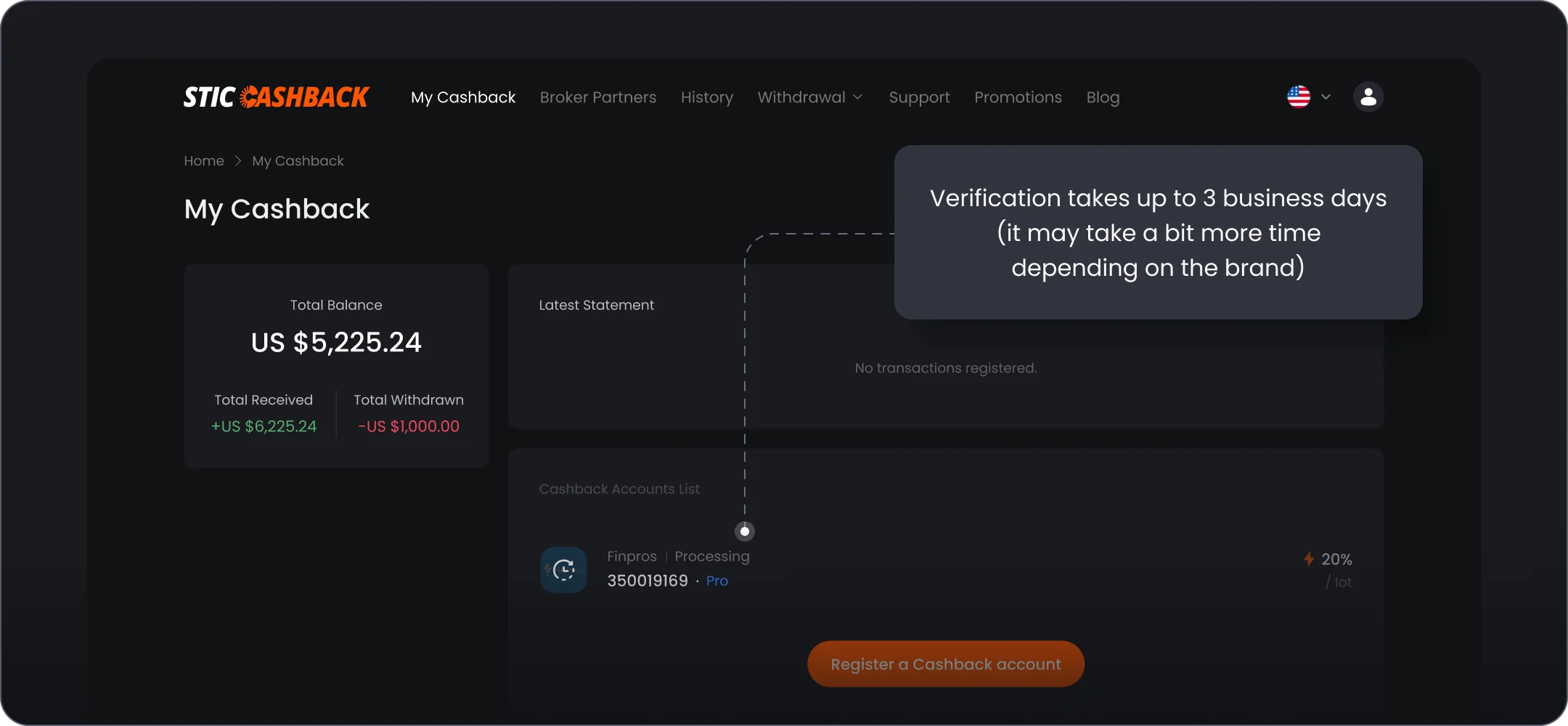
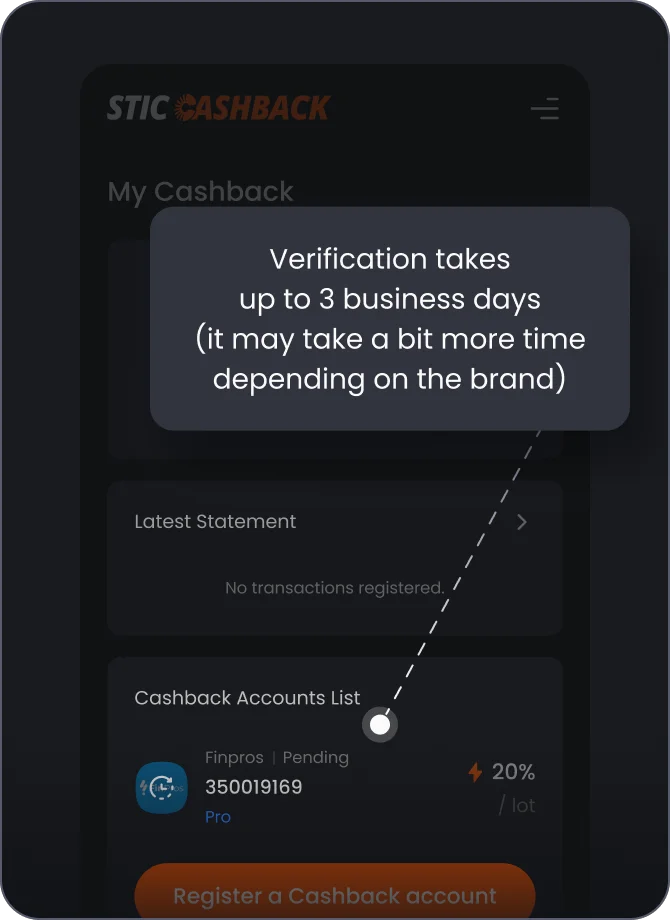
Check your registered Cashback Account in 'My Cashback' tab